


Cut / Tape / Copy / Repeat
Leave the fingerprints in.
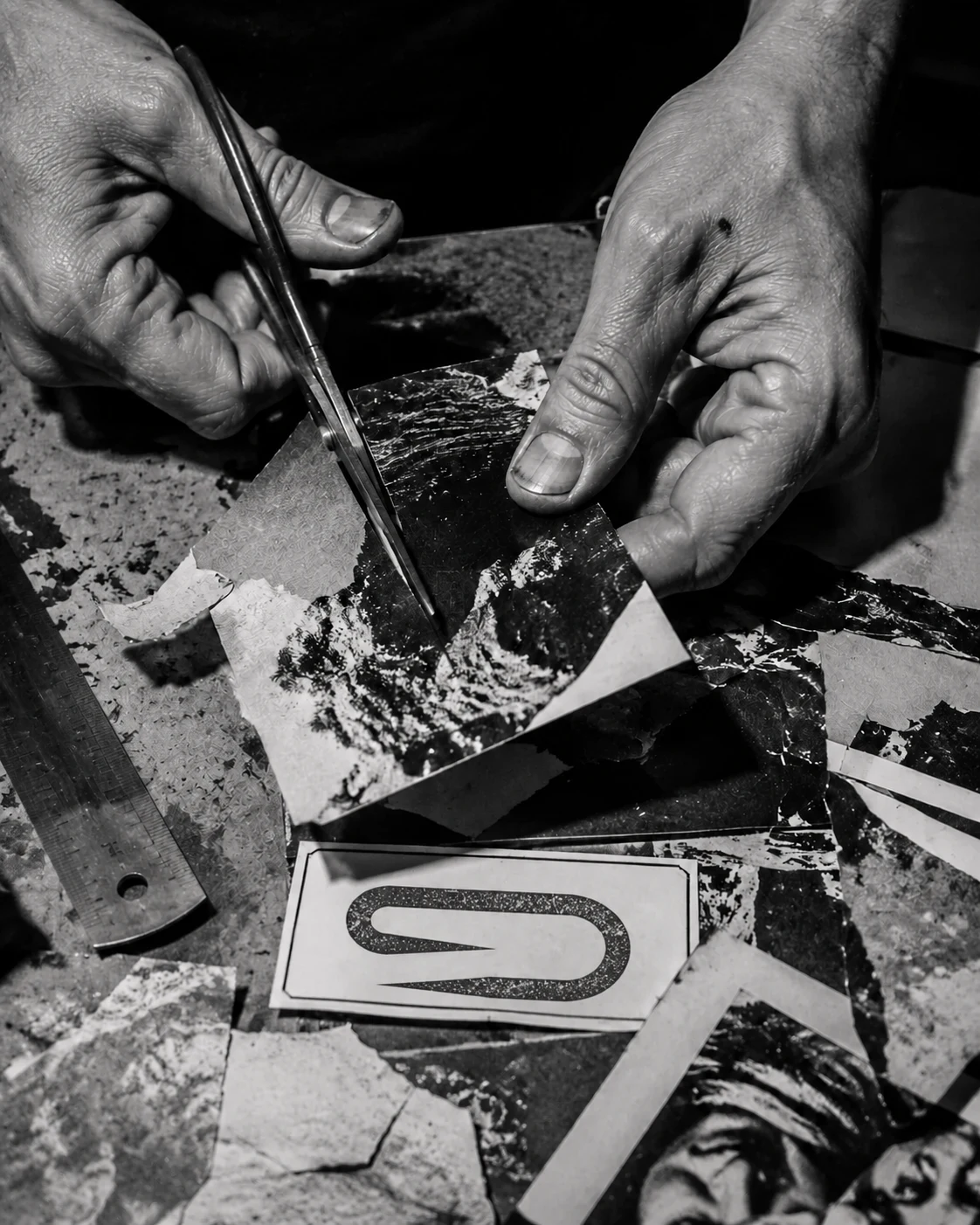
Cut the headline. Move the photograph. Keep the awkward edge that makes the page feel alive. Your issue begins on the paste-up desk.
Interactive Steelo feature
Cut & Paste Desk
Drag the headline strip, the photo cutout, the tape and the Steelo stamp anywhere on the mat — or focus any piece and move it with the arrow keys. Cut your own headline if the presets are not yours. Run the copier and you get a named zine issue, the whole page re-inked in your toner color, and your printed cover docked right beside the board.
Preset headline — WHAT’S YOUR STEELO
Assemble your cover, then run the copier to print your issue.
Every zine gets passed on. Yours too.
Notice which strip you leave on the mat after trying the others, then follow that hunch into a more specific Steelo world.
Cut your own headline, pick a photo treatment and run the copier until the cover carries your mark.
Copy the slip that reopens your exact paste-up and take it with you into the next world.
More pages to staple in.
Three more live Steelo Digital worlds are pinned below. Take your toner colour and rough edges along and see which ones survive new paper.
Personal Style Quiz
Carry xerox into Personal Style Quiz, where the campaign enters human territory without losing the Steelo Digital identity.
Memphis Assembly
Meet Memphis Assembly as a contrasting answer to the same question—and notice which part of your Steelo gets louder there.
Airbrush Aura
Open Airbrush Aura and let its visual language reveal what this world leaves quiet.
Run the copier again. Change one piece.
Swap the tape, flip the photo to inverted, write a new headline. Steelo Digital keeps the copier warm for as many issues as it takes to look like yours.
Open another Steelo world